kTeX
AvailableWYSIWYG document editing that produces beautiful LaTeX PDFs.
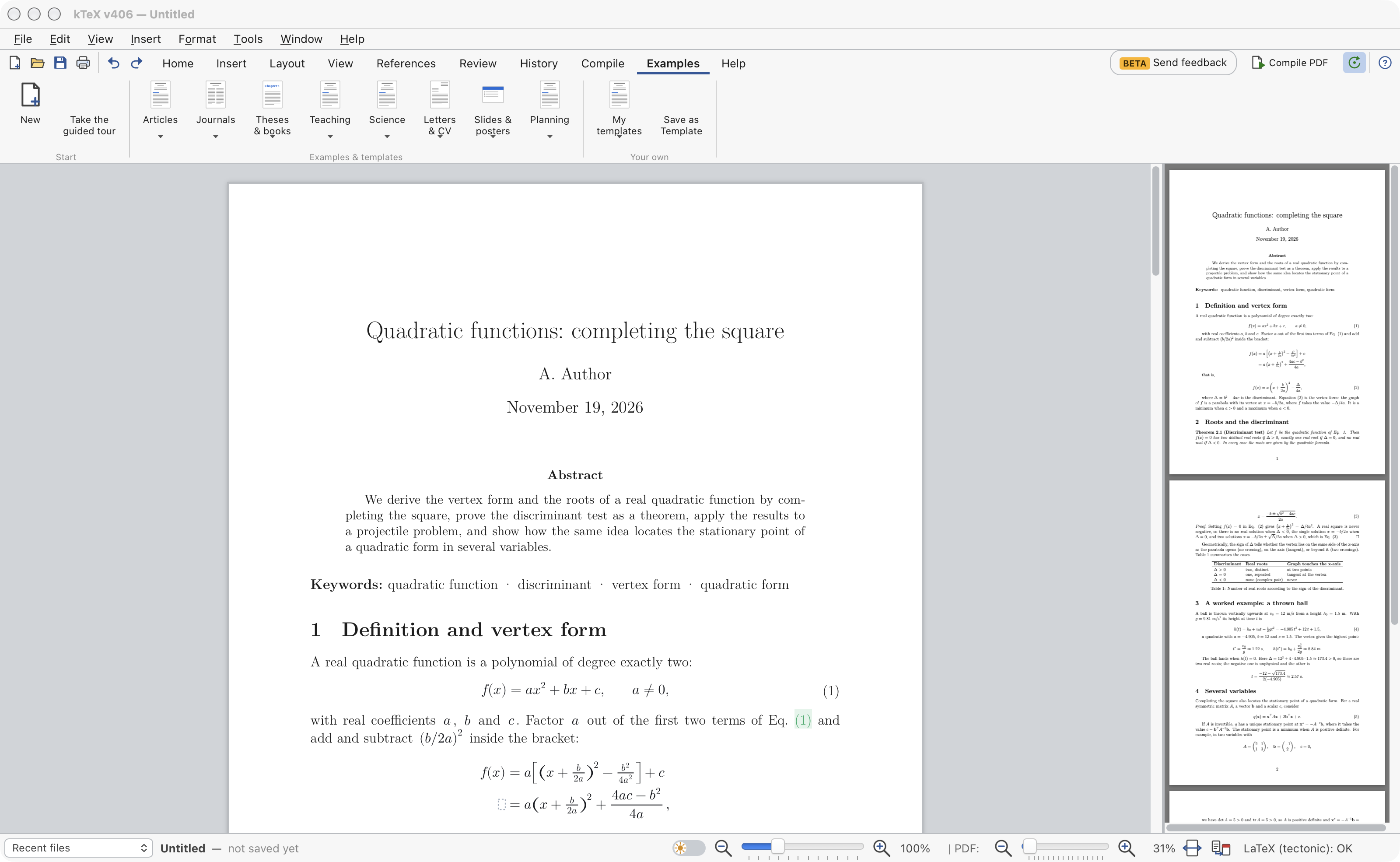
Write in the Visual tab — a page that already looks like the typeset paper — while kTeX generates clean LaTeX underneath, with the live PDF alongside it on the side. Math, figures, tables, citations, cross-references and footnotes are first-class, .tex and .docx import are built in, and every save is versioned in Git.
betakTeX is in beta: some parts are still new. Feedback is very welcome — the Send feedback button sits beside the ribbon tabs, or write to g.kerherve@ic.ac.uk
sudo apt install ./<file>.deb, or run the AppImage on any 64-bit distribution.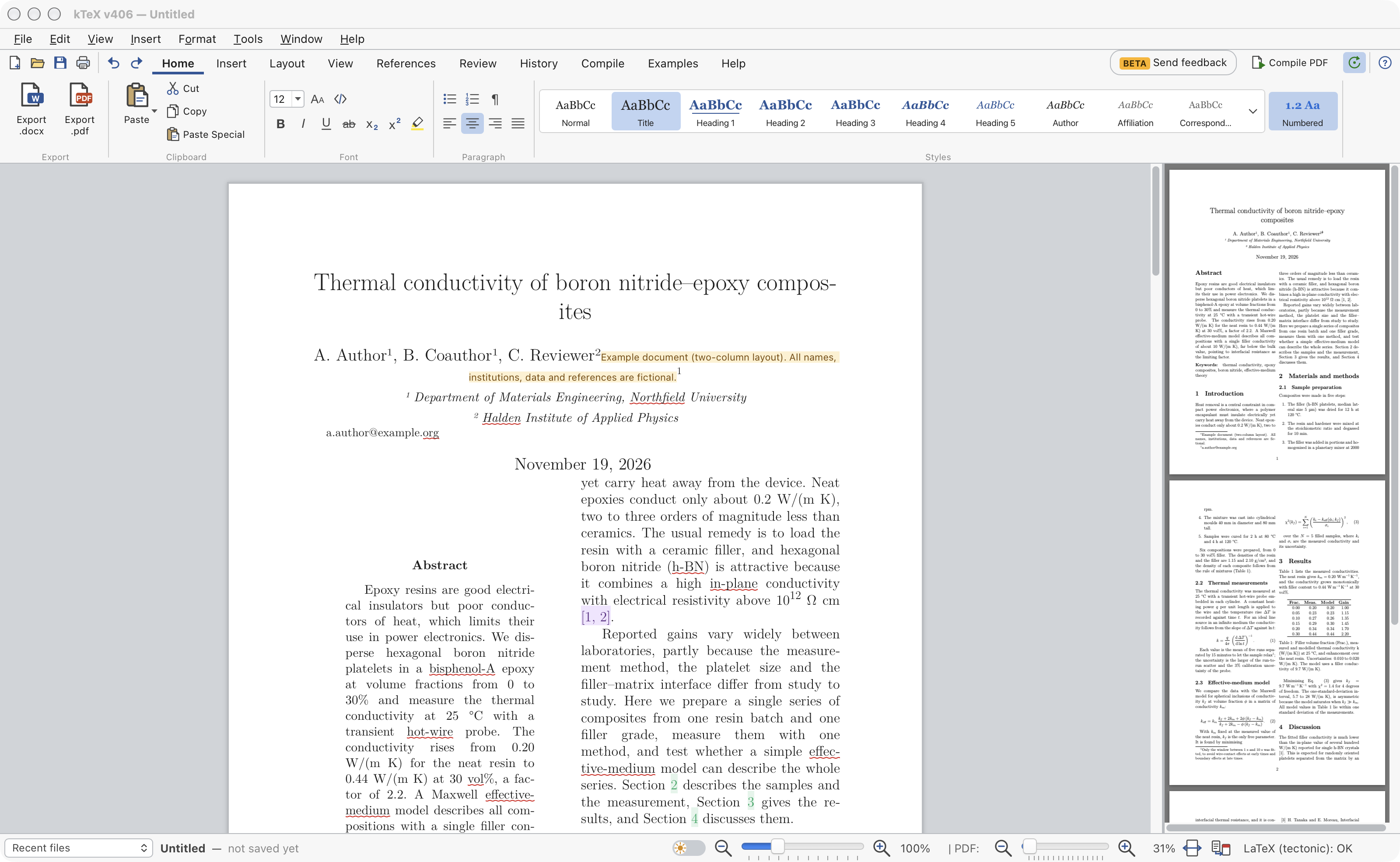
Attributes
- Write on a Word-style page at real A4 / Letter / Legal size that already looks like the typeset paper, with the compiled PDF beside it
- LaTeX engine (tectonic) and an offline TeX package cache built in — every template compiles with no TeX install and no internet
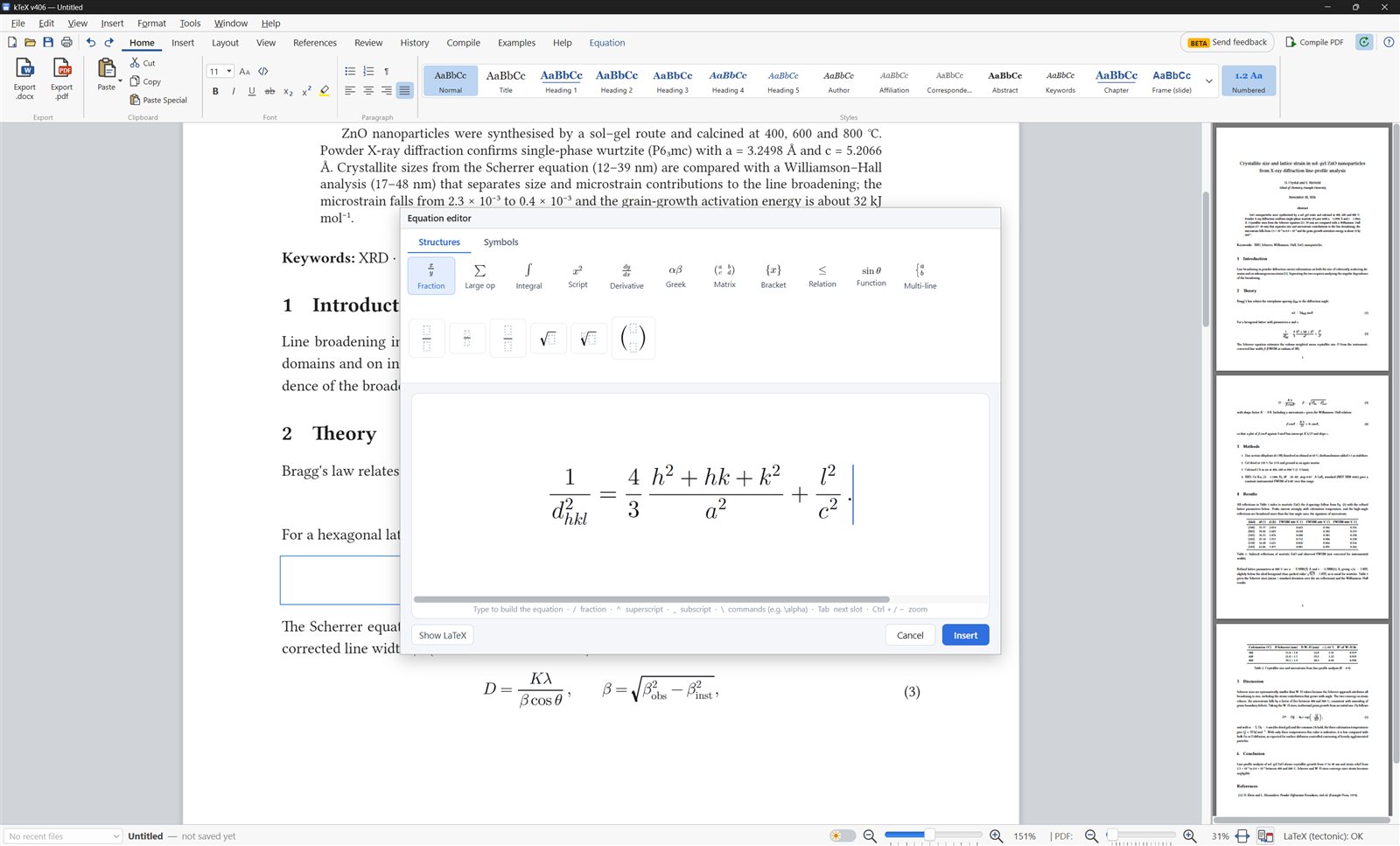
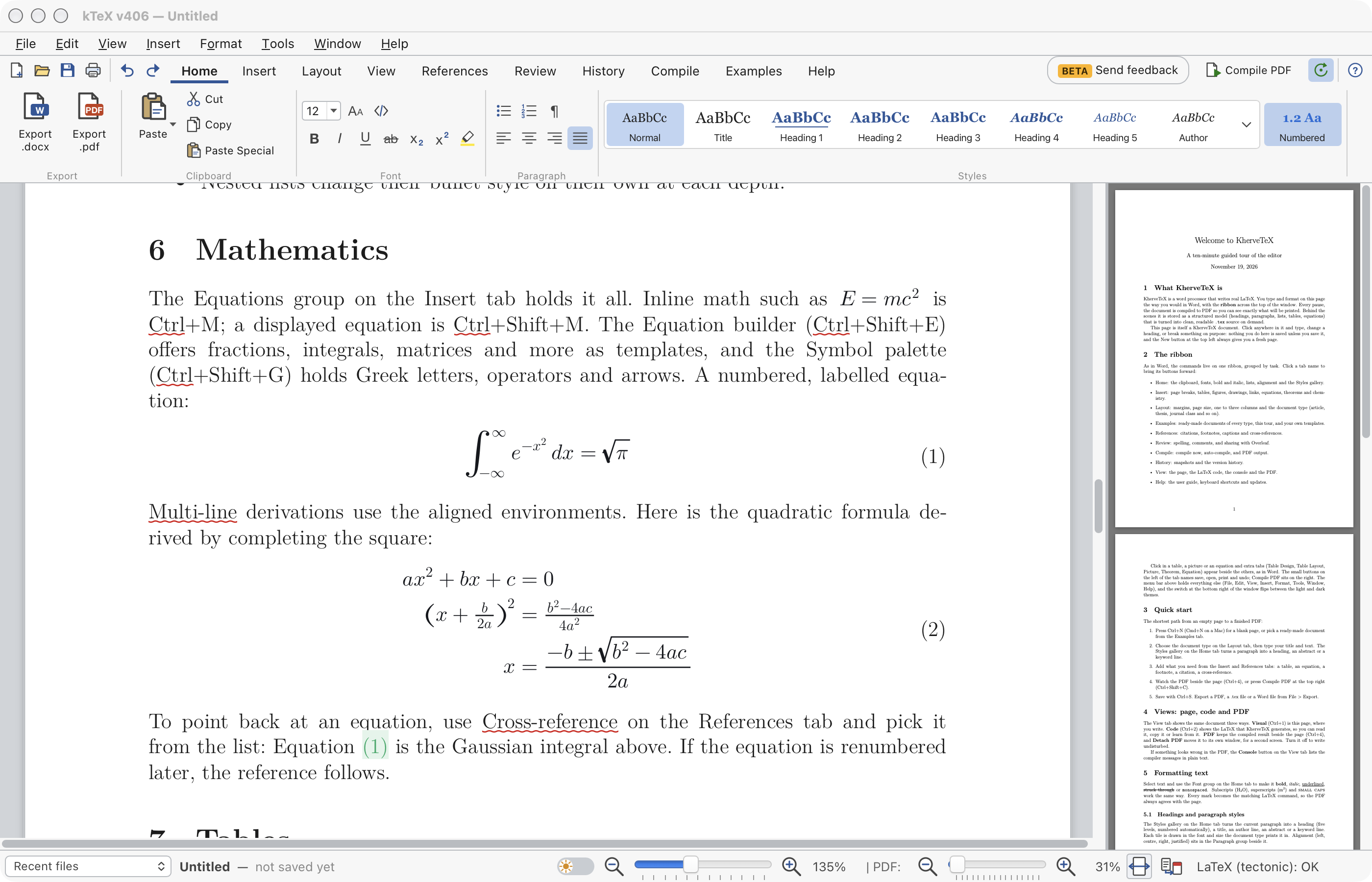
- Equation editor with structures and symbol palettes, numbered and labelled equations, or type LaTeX directly
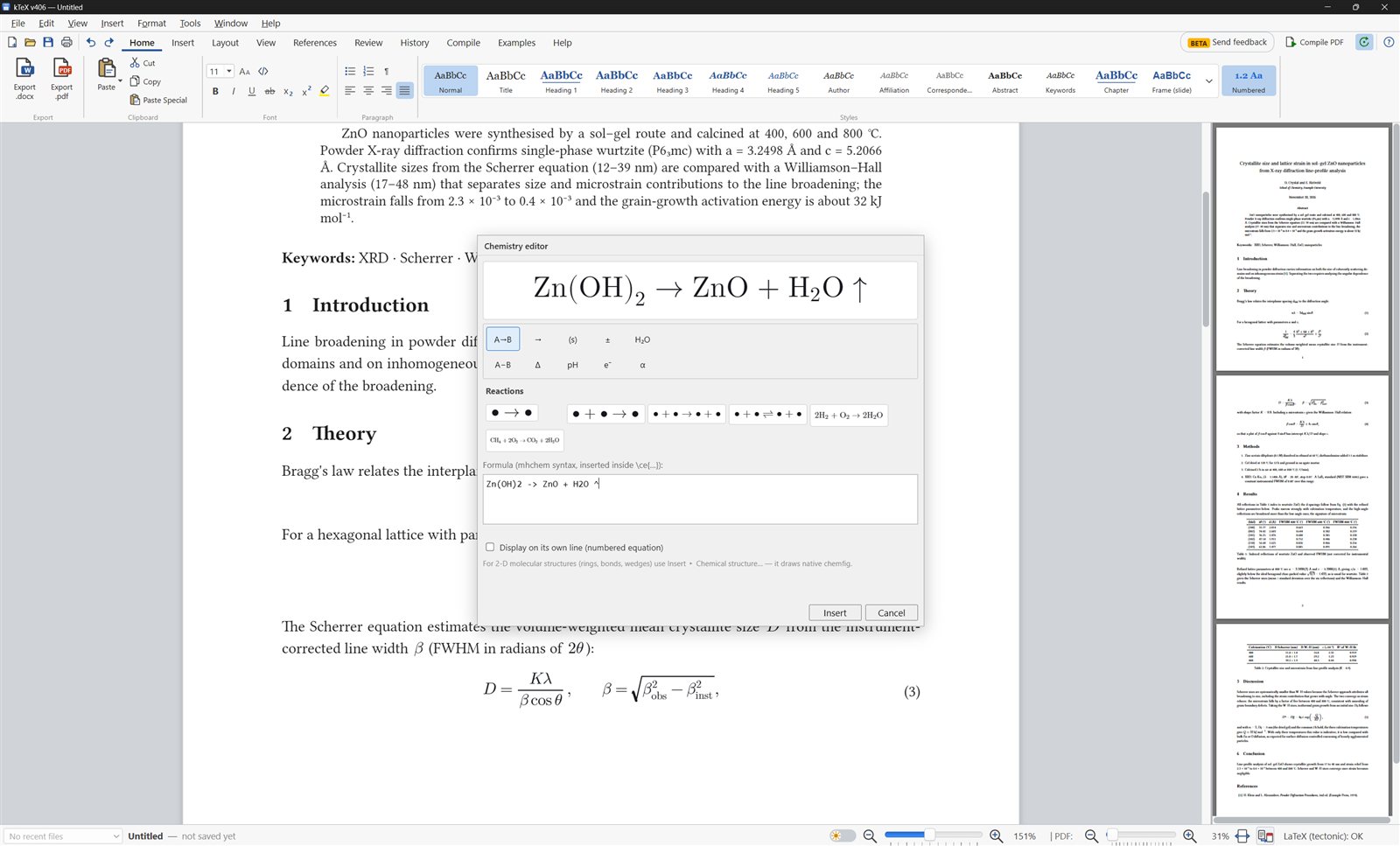
- Chemistry: mhchem reaction editor and chemfig structure editor, both with live previews
- Boxes and elements — callouts, timelines, checklists, Gantt charts, QR codes, pull quotes and more — plus Math and Science tabs with plots, circuits, diagrams and a lab notebook, each with its own tab, movable and removable
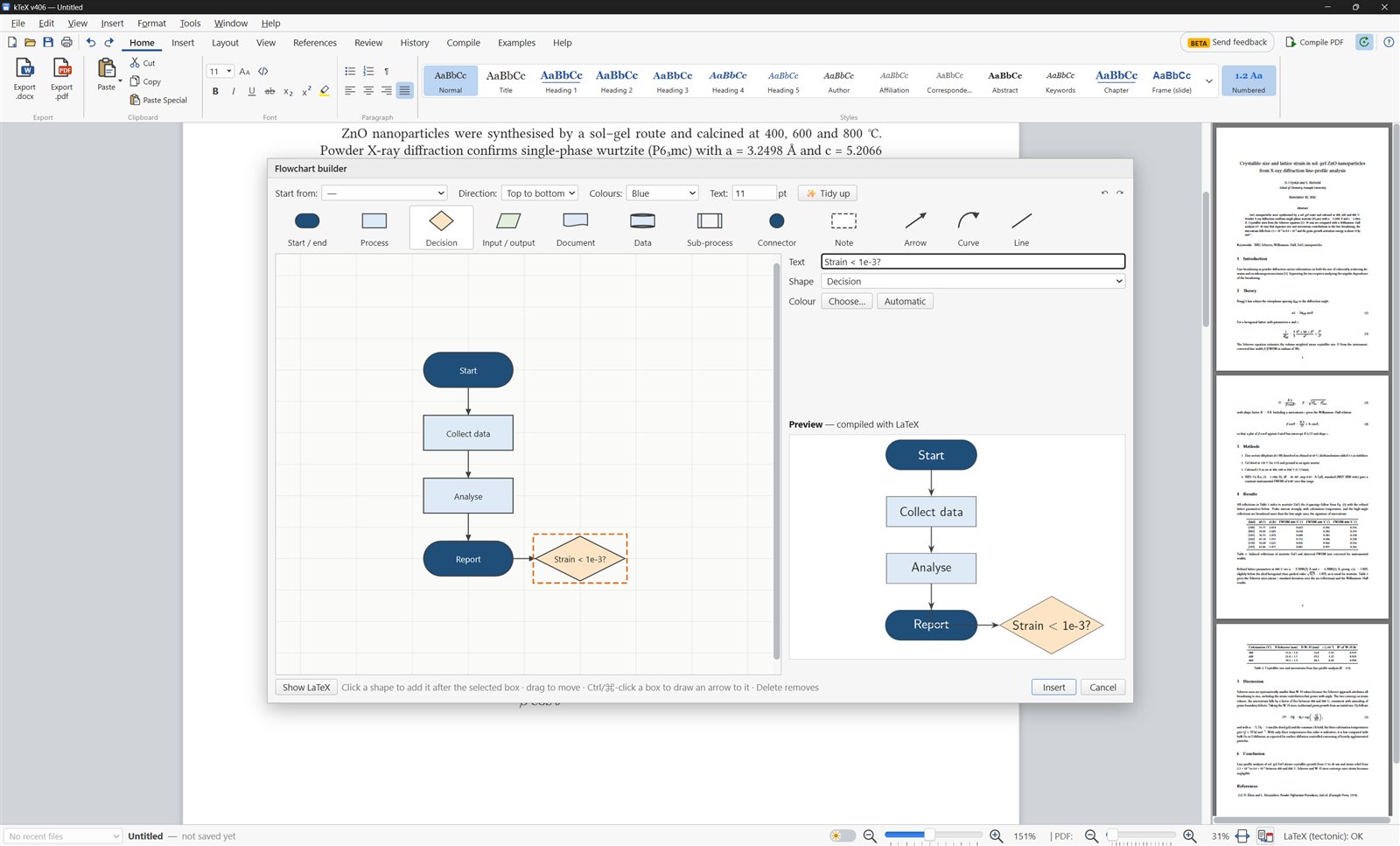
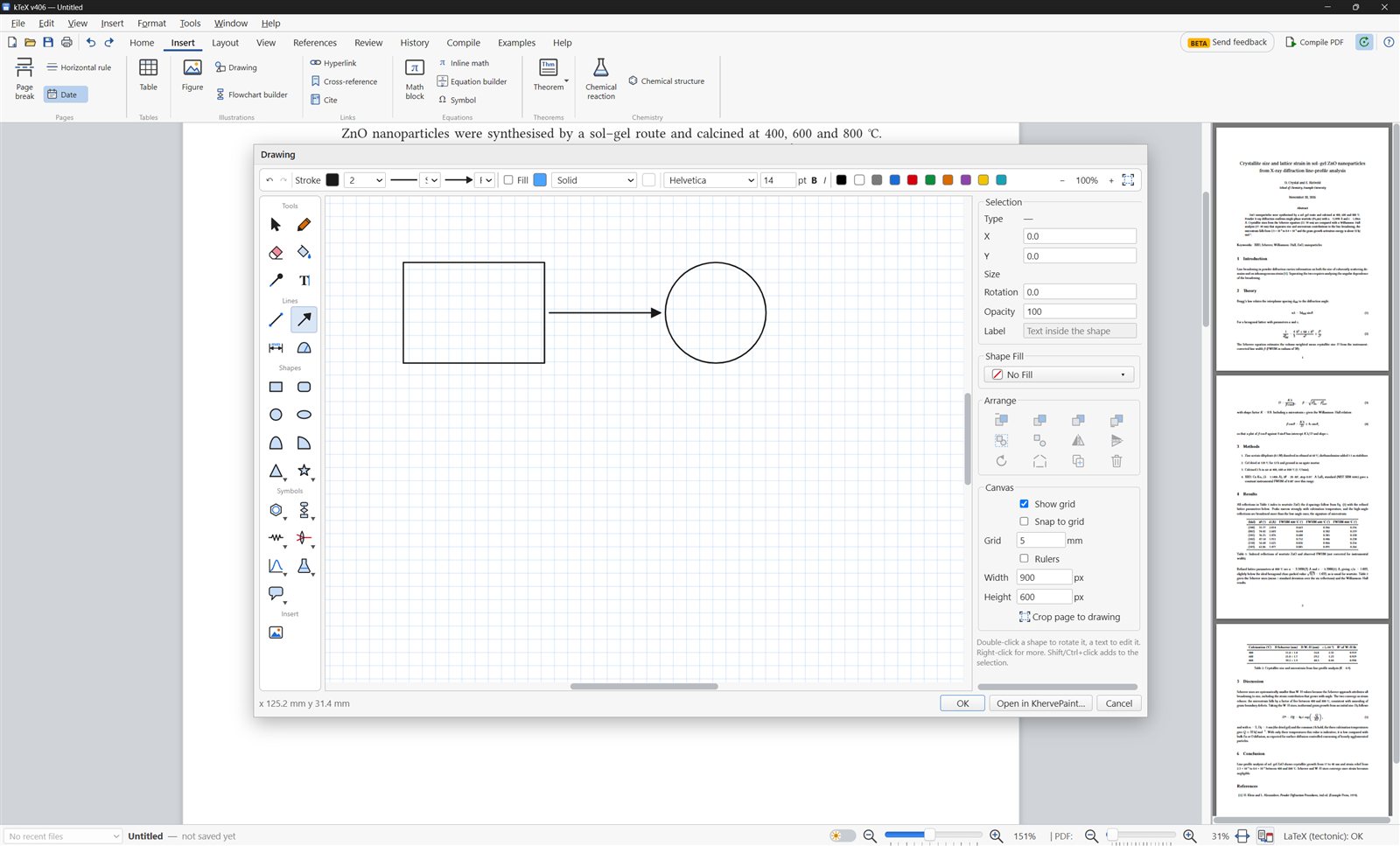
- Vector drawing canvas (shapes, circuit, optics, glassware and chemistry tools) and a TikZ flowchart builder
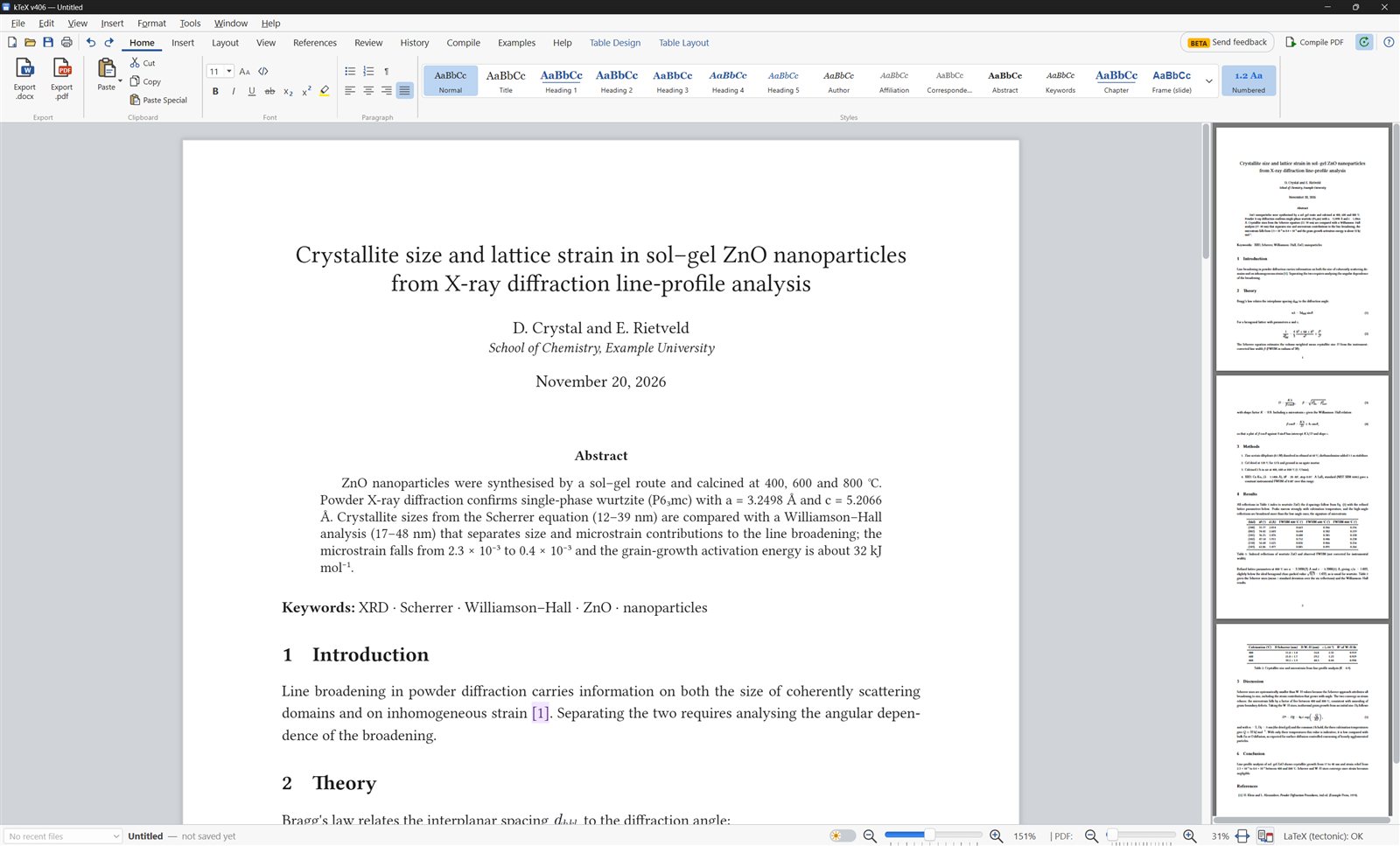
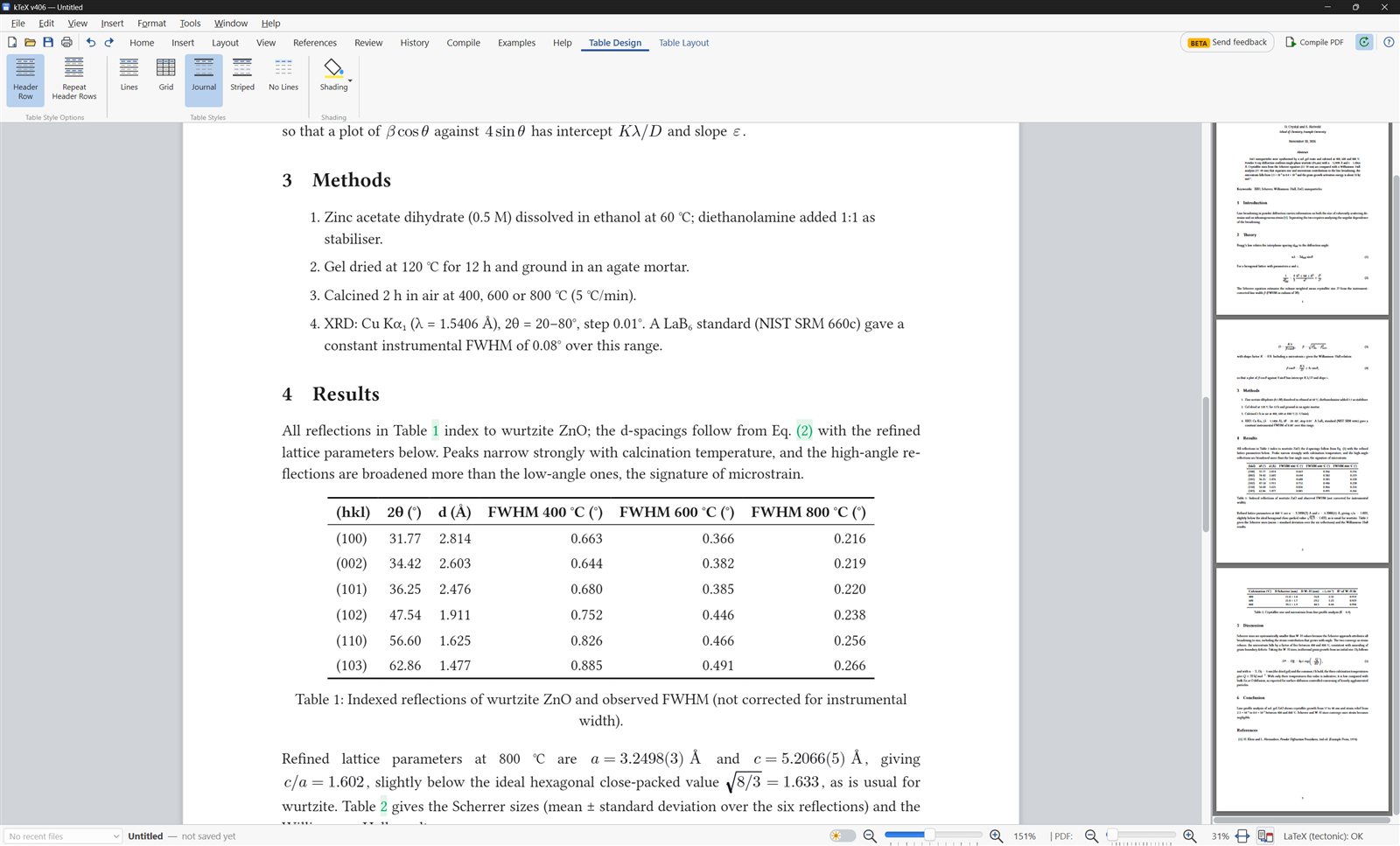
- Word-style tables with Table Design and Table Layout tabs — styles, shading, merge, sort
- Cite from KherveRef libraries or .bib files in seven bibliography styles; cross-references, captions & labels, footnotes
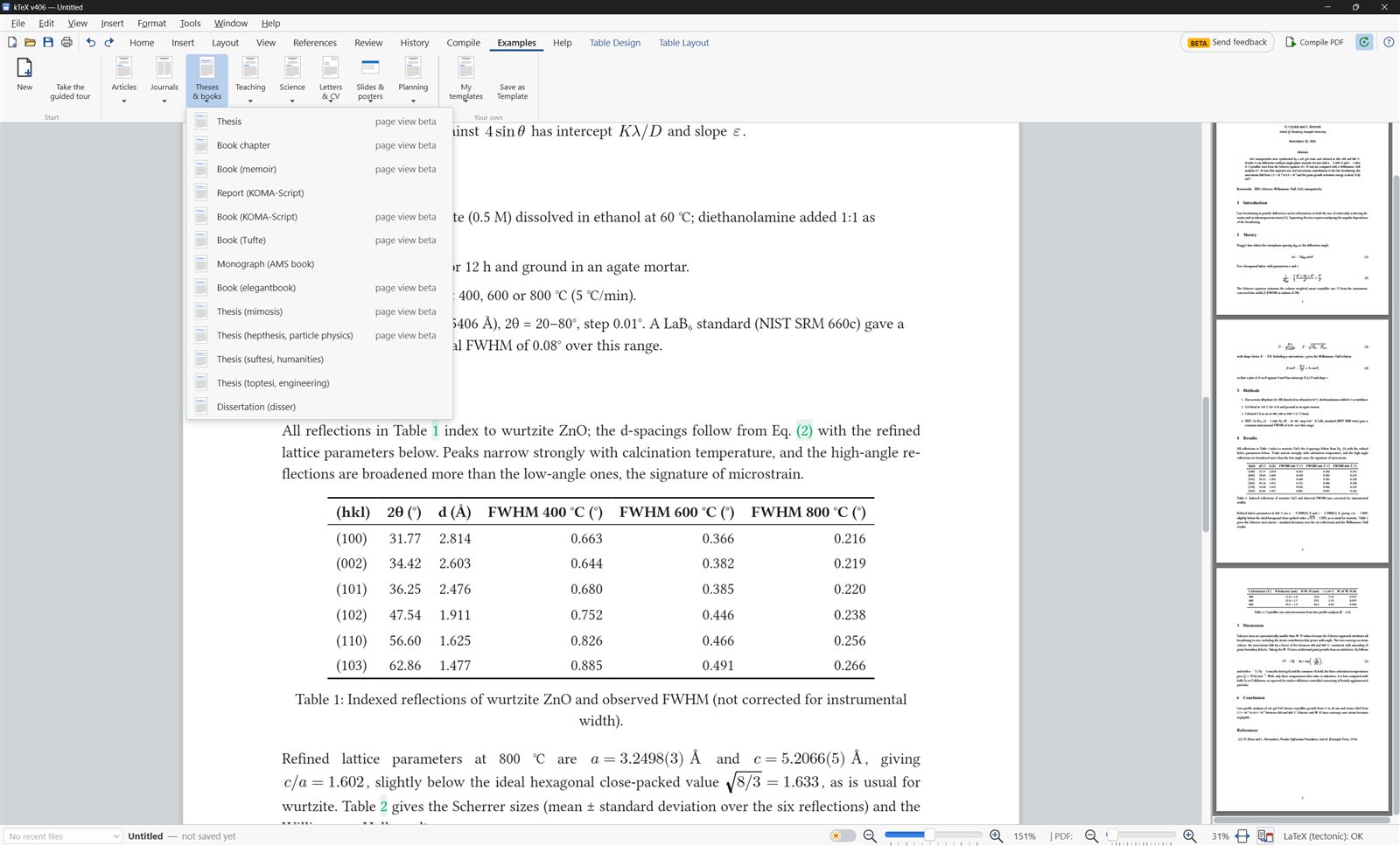
- About 70 templates: Elsevier, IEEE, APS, ACS, Springer, ACM, AMS, MNRAS and APA papers, theses, books, beamer slides, posters, CVs and planners
- Import .tex, Word .docx, Markdown and PDF; export PDF, Word, LaTeX and an Overleaf-ready package
- Thesis and book projects: chapters as separate documents with automatic chapter and page numbering
- Git version history with branches and restore; GitHub/GitLab backup and two-way Overleaf sync
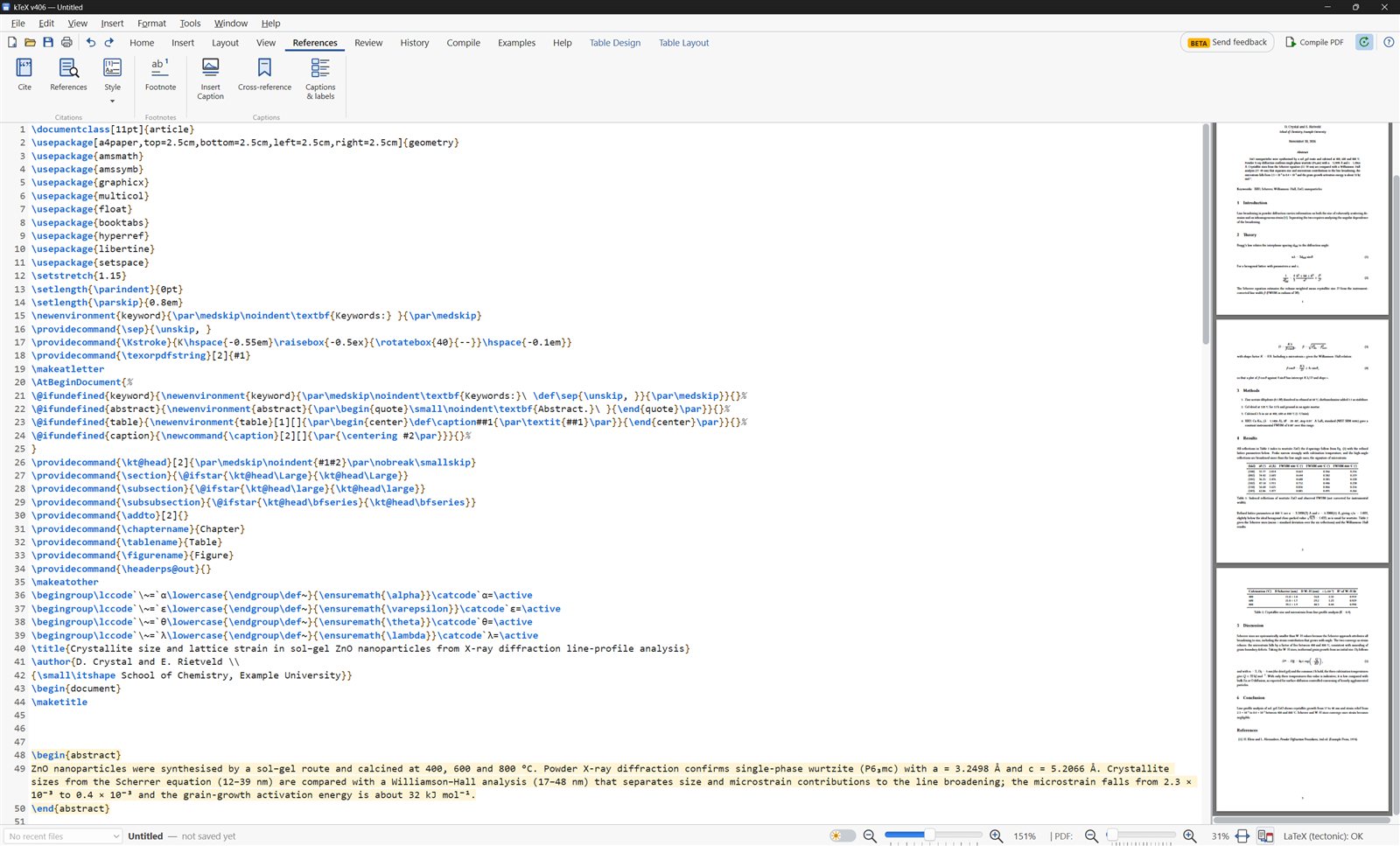
- Code tab with the generated LaTeX, editable, with completion; spell checking, comments and find & replace
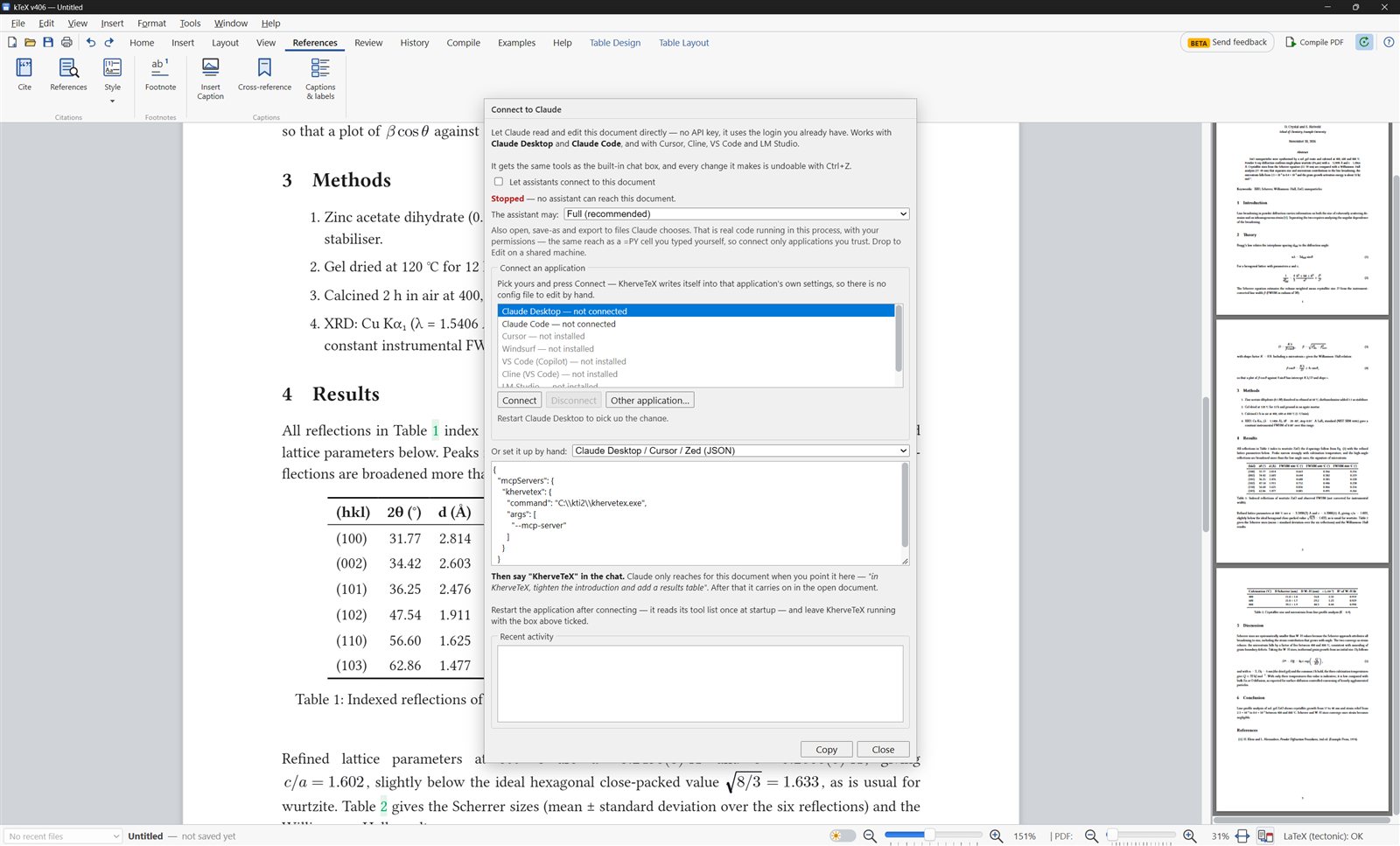
- Controllable by AI over MCP — Claude can write and edit the open document, insert equations, chemistry and drawings, compile it and check the pages
AI built in
Control kTeX from Claude Desktop, Claude Code, Cursor, VS Code and other MCP apps (Tools ▸ Connect to Claude…): the assistant works in the open document — reads its outline, blocks and LaTeX, inserts and rewrites text, equations, chemistry and drawings, sets the title and metadata, compiles and looks at the rendered pages to check its work, then saves or exports the PDF. Local only, with Read only, Edit or Full access, and every change can be undone.
How to install
kTeX is free and its source is public, but it is not signed with a paid Microsoft or Apple developer certificate. So the first time you open it, Windows and macOS say they cannot verify it and may even call it possible malware. That is the standard warning for every unsigned app, not a detection of anything. You approve it once, as shown below, and it then opens normally. Only this one app is allowed; nothing else on your computer is changed.
macOS (Apple Silicon (arm64) and Intel (x86_64))
1Open the .dmg and drag kTeX into Applications
Double-click the downloaded
.dmgfile (in your Downloads folder). In the window that opens, drag the kTeX icon onto the Applications folder. Then eject the disk image.2Open kTeX once — macOS blocks it. Click “Done”
Open your Applications folder and double-click kTeX. macOS shows “kTeX” Not Opened — Apple could not verify “kTeX” is free of malware…
Click Done. Do not click Move to Bin. This attempt is needed: it is what makes the Open Anyway button appear in the next step.
3Open System Settings → Privacy & Security
Click the Apple menu at the top-left of the screen, choose System Settings…, then click Privacy & Security in the left-hand list (scroll the list down if you don’t see it).
4Scroll down to “Security” and click “Open Anyway”
Scroll the right-hand side all the way down, past the Privacy items, to the Security heading. Under it you will see “kTeX” was blocked to protect your Mac. Click Open Anyway.
The button appears only for about an hour after step 2. If it is missing, repeat step 2 and come back.
5Confirm with “Open Anyway” and your password
macOS asks once more: click Open Anyway, then type your Mac login password (or use Touch ID) and confirm.
kTeX starts. From now on it opens normally with a double-click, and updates install without asking again.
macOS 14 Sonoma and older: instead of steps 3–5, right-click (or Control-click) kTeX in Applications, choose Open, then Open again.
Message says the app “is damaged and can’t be opened”? That is the same block. Open Terminal (Applications → Utilities), paste this line, press Return, and open the app again:
xattr -dr com.apple.quarantine "/Applications/kTeX.app"
Windows (64-bit)
1If your browser warns about the download, choose “Keep”
Chrome or Edge may say the setup file isn’t commonly downloaded. Open the downloads list, click ⋯ next to the file and choose Keep (in Edge: Keep → Show more → Keep anyway).
2Run the setup file — click “More info”
Double-click the downloaded setup file. Microsoft Defender SmartScreen shows a blue Windows protected your PC window. Click the small More info link.
3Click “Run anyway”, then follow the installer
A Run anyway button appears at the bottom. Click it, answer Yes if Windows asks to allow changes, then click Next through the installer and Finish. kTeX is in the Start menu and opens normally from then on.
Built with
A modern stack of well-known scientific Python libraries.
Examples
Documentation
Read the full user guideGetting started
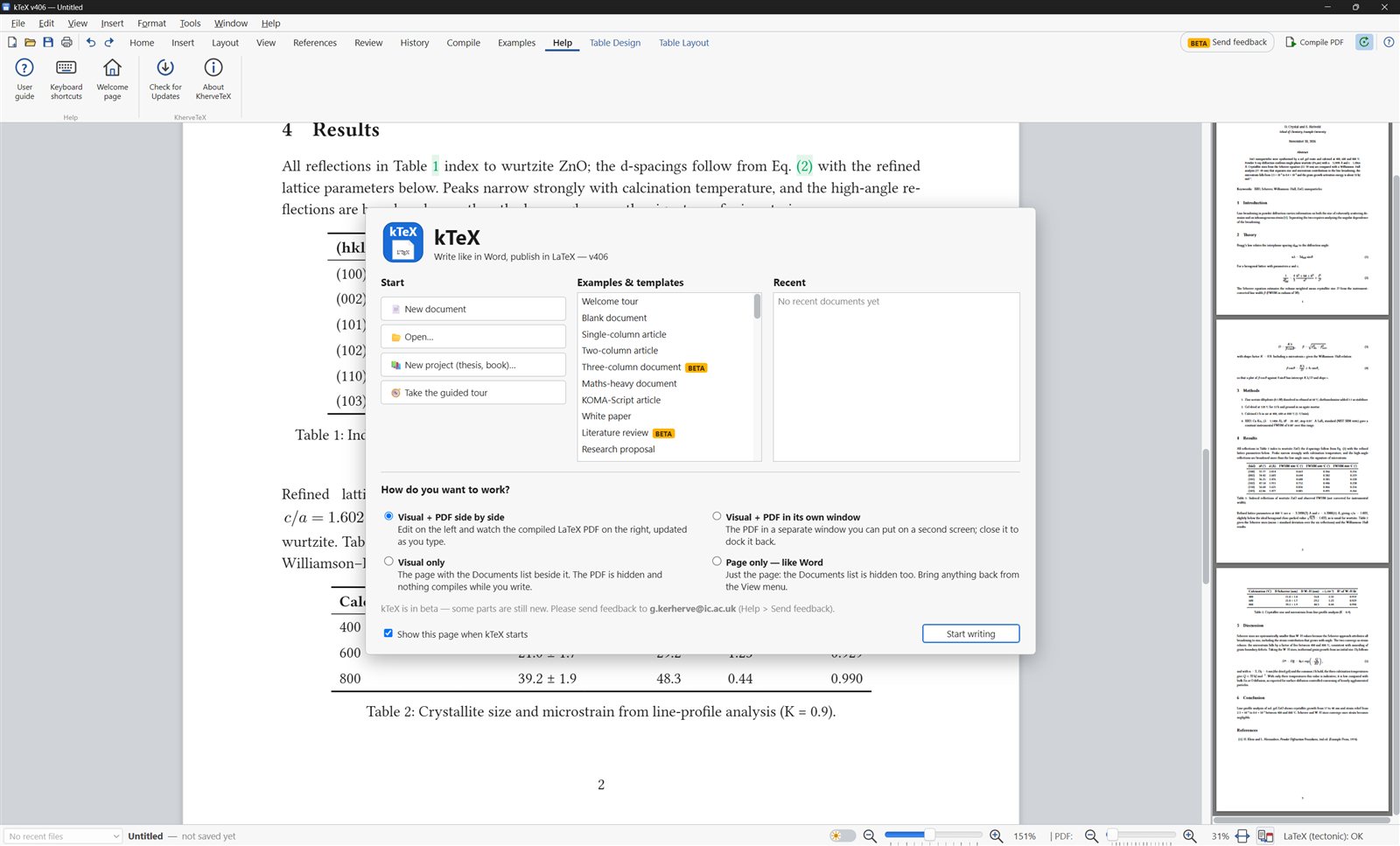
Install the Windows installer or the macOS app (Apple Silicon) — nothing else is needed. Pick a template or a blank page on the Welcome page and type. Auto-compile updates the PDF beside you about half a second after you stop typing; Ctrl+S saves everything in one .ktex file.
Equations and chemistry
Ctrl+M for inline maths, Ctrl+Shift+M for a displayed equation. The equation editor has structure and symbol palettes, a LaTeX view, numbering and labels. Ctrl+Shift+R and Ctrl+Shift+T open the mhchem reaction and chemfig structure editors.
Figures, drawings and tables
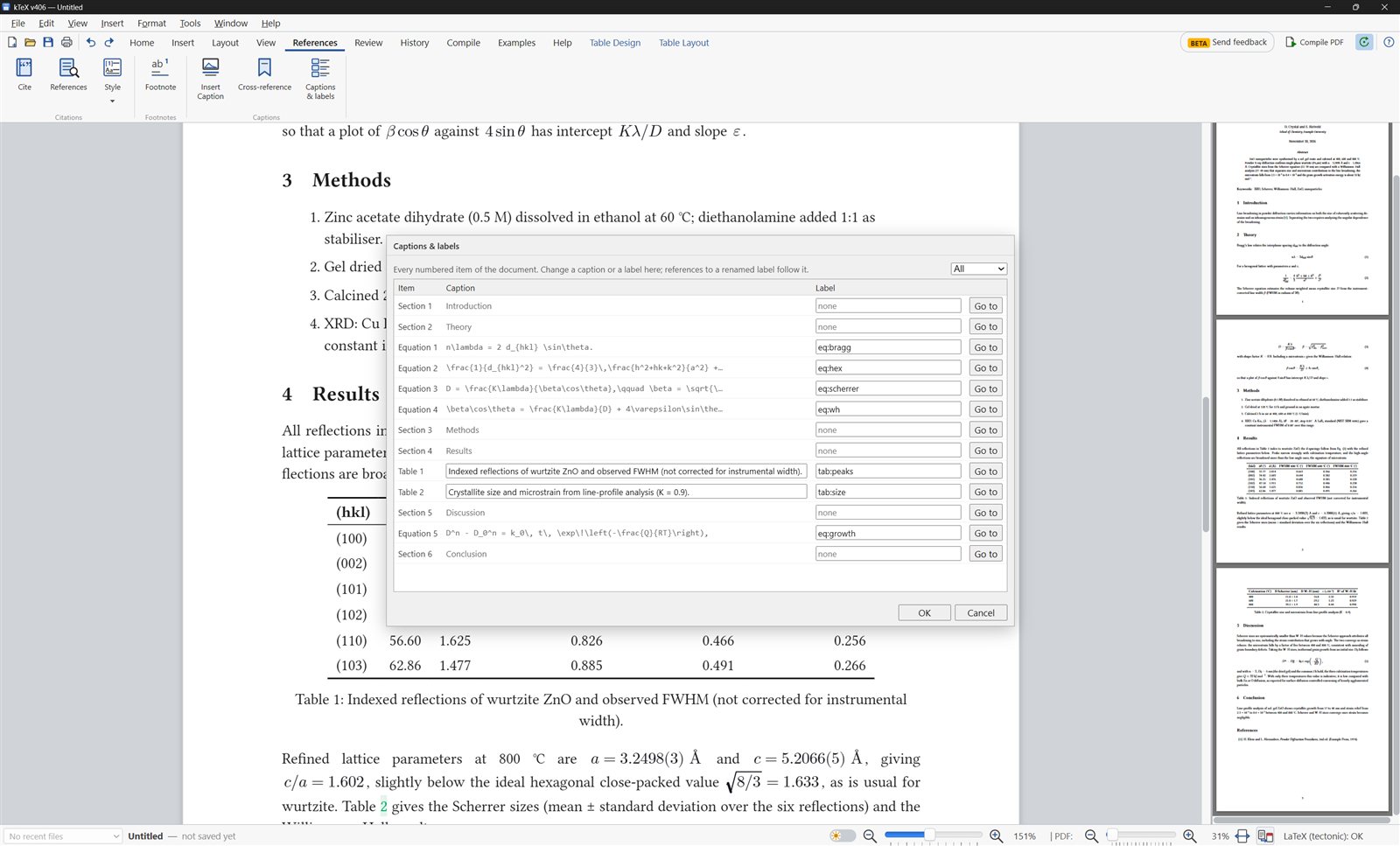
Paste or drag pictures in, or draw them in kTeX's vector canvas or the TikZ flowchart builder. Tables get Word-style Table Design and Table Layout tabs; captions and labels make every figure, table and equation cross-referenceable.
Citations
Cite from your KherveRef libraries or a .bib file; cited entries travel inside the .ktex. Choose from seven bibliography styles (author–year, numbered, IEEE) and run Tools ▸ Check citations before you submit.
Files, templates and projects
Open or import .tex, .docx, .md and PDF; export PDF, Word, LaTeX or an Overleaf package. Around 70 templates cover journals, theses, books, slides and posters, and projects join chapter documents into one thesis or book.
History and sharing
Every document can keep a Git history: save snapshots, branch, and restore any earlier version. Back up to GitHub or GitLab, or send to Overleaf and get your co-authors' changes back.
Versions
Disk image for Apple Silicon (arm64) and Intel (x86_64).
Faster, and built for long documents. Fast LaTeX previews (a 128-page thesis compiles in under a second), a choice of picture quality for the live preview, and typing that never waits for the compiler. Chapters: one file holds a whole thesis - tick which chapters compile and which show while you write, drag them into order, or add another file as a chapter. Do not compile: grey out any paragraphs to leave them out of the preview. Review > Decisions lists every change and comment accepted or rejected. Find works in the LaTeX code and finds tables, figures and equations. Fillable PDF forms, pictures dropped or pasted into Insert > Figure and kept inside the .ktex, an equation Label box, and a reorganised ribbon you can drag into your own order, with chemical engineering, architecture and earth science elements. Open LaTeX as it is, for journal classes kTeX does not know (IUCr and others), and a better import of them. Windows x64, Apple Silicon and Intel Macs, and Linux.
Boxes and elements, and new Math and Science tabs. Coloured boxes, fancy tables, margin notes, drop caps, pull quotes, sidebars, timelines, checklists you tick with the mouse, progress bars, ratings, gauges, steps, icons, QR codes, code listings, Gantt charts and charts from a table: each opens its own tab and can be moved or removed. Designed title pages, chapter titles and header styles. A Math tab (function plots, statistics, Venn diagrams, number lines, geometry, unit circle, matrices, units) and a Science tab (data plots, circuits, Feynman and MO diagrams, Bohr models, element tiles, hazard labels, reaction schemes, waves, forces, ray diagrams, energy levels, a risk matrix, safety signs and a lab notebook edited in its own window). Detailed hover help on every button, example documents for all of it, and every example compiles offline. Windows x64, Apple Silicon and Intel Macs, and Linux.
kTeX closer to Word again: a blue Word-style title bar (AutoSave, Save, export to Word and PDF, Share by Mail, Outlook, Teams or WhatsApp), Header & Footer edited right on the page with page numbers, Word's Margins, Breaks, Line Numbers and Hyphenation, a Draw tab with pens and highlighters, Table of Contents and Table of Figures, a chart editor, and Search tools. Design styles now work in every document type (report, book, memoir, KOMA-Script, journal classes, theses); two and three columns follow the PDF; full .bib support with Import .bib and Paste BibTeX; a better Word export; the PDF and the page scroll together, and the PDF can be folded away. Windows x64, Apple Silicon Macs and Linux.
kTeX closer to Word: Word's Font and Paragraph groups (fonts and sizes on selected text, colours, underline styles, bullet and numbering styles, multilevel lists, indents, line spacing, shading, borders), Layout indents and spacing, Insert table grid, Shapes, SmartArt, Chart and Screenshot, Track Changes with All Markup / Simple / No Markup / Original, comments in tables, a folding ribbon and Settings. Word documents now come in as Word shows them: forms with merged cells and tick boxes, landscape pages, headers and footers, colours, fonts, list styles and tracked changes. Windows x64, Apple Silicon Macs and Linux.
kTeX beta update for Windows x64 and Apple Silicon Macs.
kTeX — KherveTeX rebuilt from the ground up as a fast native app (beta). Same Word-style ribbon and .ktex files, tectonic and an offline TeX package cache built in so every template compiles with no internet, in-app updates, and a Send feedback button. Windows x64 and Apple Silicon Macs.
Part of the Kherve Tools family
Applications made by a scientist, for scientists.